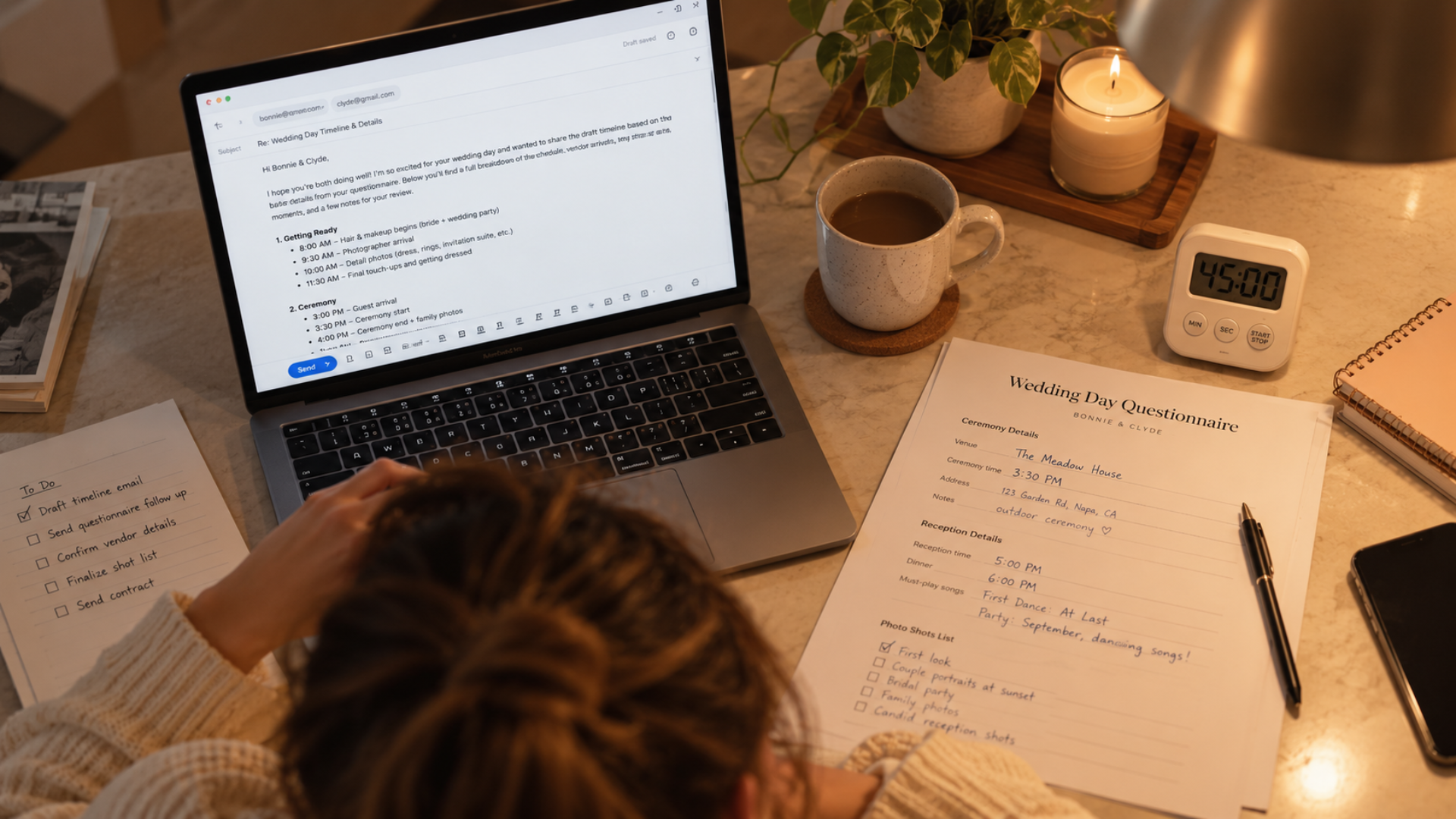
The questionnaire comes back on a Tuesday night. The couple has filled in their ceremony time, the address for getting ready, whether they want a first look, how many family formals they're hoping for. The photographer opens it, pours a coffee, and starts writing.
He knows this email well. He's written it for every wedding for six years. It lays out the photo schedule for the day: when hair and makeup should be finishing, when he arrives, how long the portraits get, when to pull the couple out during the reception for sunset. A planner usually owns the master timeline, but the photographer owns the photo part, and the couple needs to see it in writing before they'll relax.
When he finally timed himself, it was 45 minutes. Every wedding. He shoots enough weddings a year that this one email adds up to a full work week.
The photographer said something that stuck with us: "I'm really lazy and I hate sending emails." He wasn't apologizing. He was explaining why he had already built templates for the easy stuff. "Yes, I'm available, here's the next step." "Sorry, I'm booked that weekend, here are two people I trust." Those took him two minutes each once the templates existed, and he said they gave him more time back than anything else he'd done in the business.
But the timeline email felt different. It felt custom. Each couple's day was unique, so surely each email had to be written fresh.
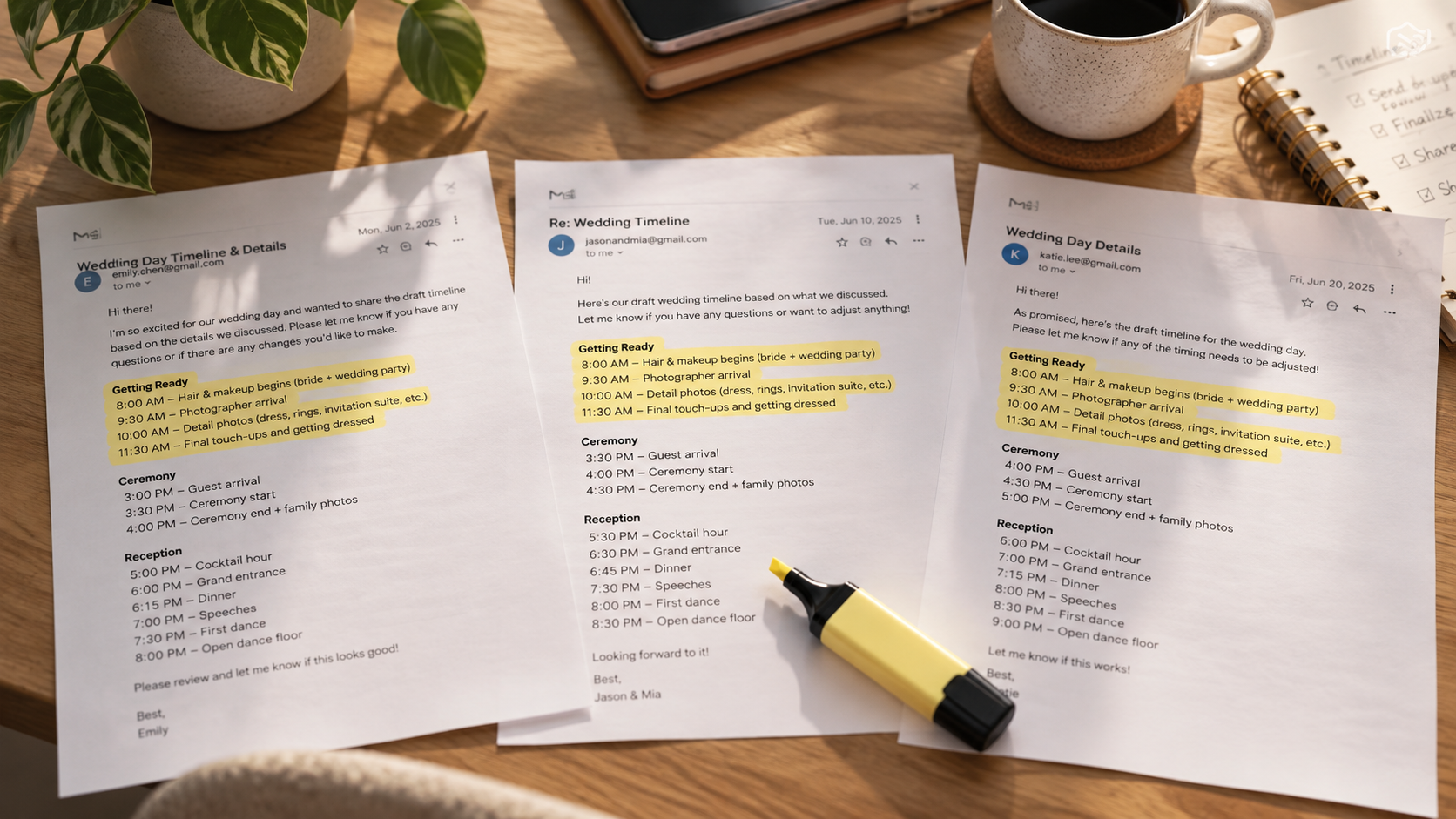
Then he laid ten of them side by side. The intro paragraph was identical. The explanation of why he recommends a first look was identical. The paragraph about building in buffer time because hair and makeup always runs late was identical. The sign-off was identical. The only things that changed were the times, the names, and one or two lines about the venue.
That's the pattern for almost every "custom" client email. Client communication gaps sit in the top five pain points in the 2025-26 Wedding Pro Survey of 553 professionals, and most of that gap isn't vendors who don't care. It's vendors who are writing the same 800 words from a blank page, again, at 10pm, and putting it off because it's a 45-minute job.
Here's a quick way to check any email you dread. Pull up the last three you sent. Highlight every sentence that appears in all three. If the highlighted part is more than half the email, you don't have a custom email. You have a template with a few blanks, and you've been rewriting the template every time.
For the timeline email, the blanks are the times. Everything else is your standard advice, and your standard advice is good. It should be written once, carefully, and reused.
This is where the pieces in Maroo connect. Your timeline questionnaire is a Maroo questionnaire, sent from the couple's Project. When the couple submits it, that's a trigger. Build a Workflow with the trigger "questionnaire submitted" and one action: send your timeline email template.
The template holds the 80%. The intro, the first-look explanation, the buffer-time paragraph, the sign-off, all written in your voice on a calm afternoon rather than a tired Tuesday. When the questionnaire comes back, the email is already drafted and waiting in the Project. You open it, read their answers, drop in the times and the one or two venue-specific lines, and send.
Because your Gmail is connected to Maroo's Emails, it goes out from your own address and the couple replies to you normally. The difference is that the thread stays inside their Project, next to the questionnaire answers you just used to write it. Two months later, when they ask to move the first look 20 minutes earlier, the original email and their original answers are one click apart.
Forty-five minutes becomes about ten. Across a season, that's most of a work week back.
Open your sent folder and sort by the email you least want to write. Pull the last three versions. Highlight what's the same. Paste the highlighted part into a Maroo email template, leave clear blanks for what changes, and attach it to a workflow triggered by the questionnaire that usually prompts it. Then do the same for the next email on the list.
If you're not using questionnaires and templates yet, Maroo is free to start and both live inside each client's Project.