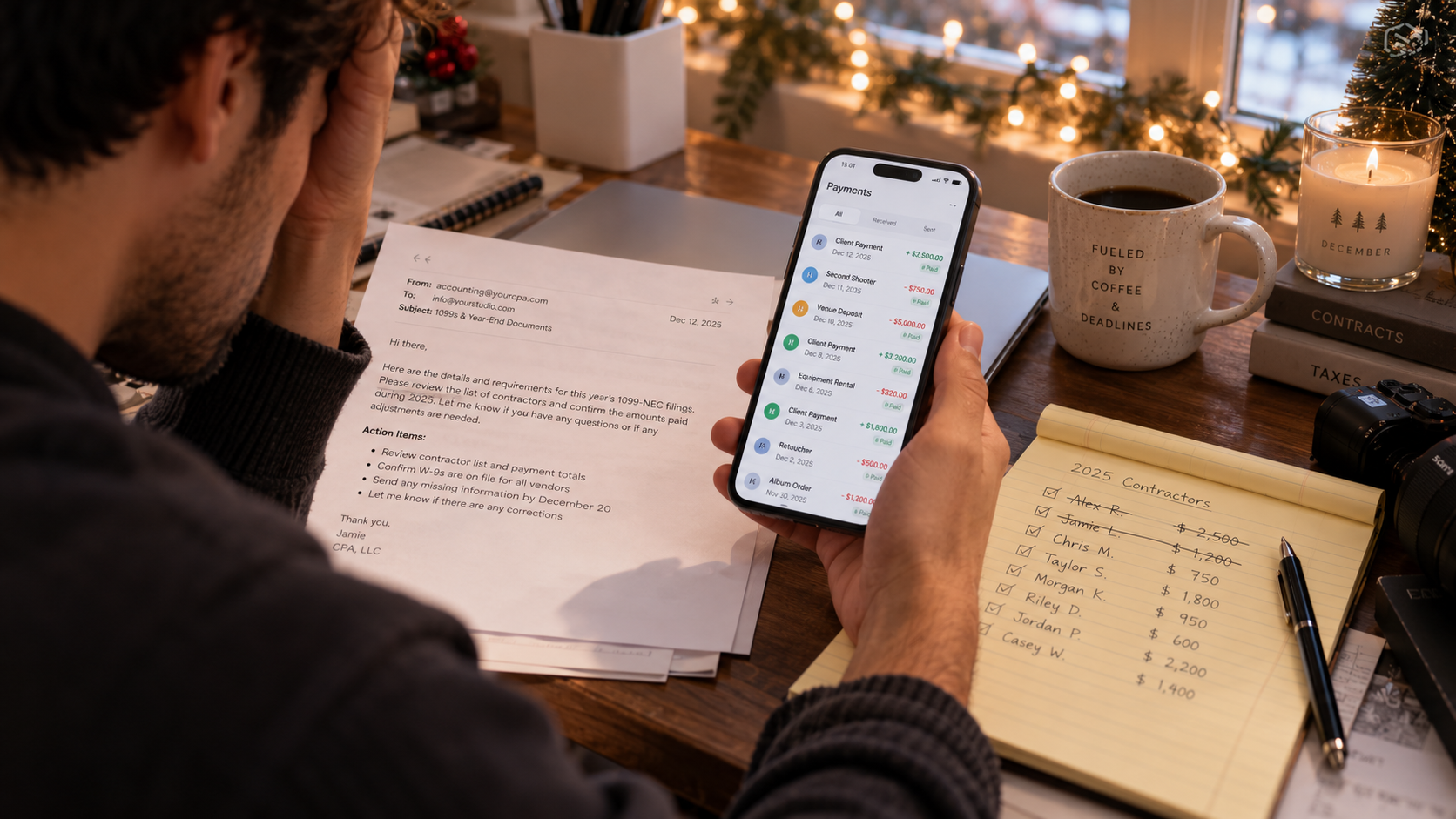
Switching from HoneyBook to Maroo takes most solo planners 4–8 hours of focused work spread over 1–2 weeks. The effort is real, but straightforward: export your contacts, download signed contracts as PDFs, rebuild your templates, connect your bank, and run both platforms in parallel for one billing cycle before you cancel. Planners who switch primarily cite HoneyBook's processing fees and the absence of contractor payout tools — two areas where Maroo was specifically designed for the wedding industry.
This guide covers every step, what you'll lose in the move, what you'll gain, and the right time of year to make the switch.
Switching platforms is friction. Planners who do it anyway usually have one of a few specific frustrations — and it helps to name yours before you start.
Processing fees add up fast. HoneyBook's current fee structure (as of June 2026, verified at taskip.net's HoneyBook pricing analysis and agiled.app, May 2026) is:
There is no zero-fee ACH option on HoneyBook. For a planner billing $150,000/year with mostly ACH payments, the 1.5% fee amounts to $2,250/year in processing costs on top of the subscription. Compare that to Maroo's free B2B ACH transfers, and the financial case for switching becomes concrete. (Maroo pricing, verified June 2026)
No contractor payment tools. HoneyBook does not include a way to pay subcontractors, store W-9 forms, or file 1099-NECs. Planners paying second shooters, assistants, or décor vendors out of HoneyBook have to track those payments and handle 1099 filing in a completely separate system — or pay an accountant to do it. Maroo includes this end-to-end. (Maroo products/pay)
Price increases. HoneyBook restructured its pricing in February 2025, raising the Starter monthly rate from $19 to $36 — an 89% increase. Current annual plan pricing is $29/month (Starter), $49/month (Essentials), or $109/month (Premium), billed yearly. (agiled.app HoneyBook pricing, May 2026)
HoneyBook's genuine strengths. Before you decide to leave, be honest about what you'd be giving up. HoneyBook has a polished template marketplace, strong client portal experience, solid automation on Essentials and Premium, and broad integrations (QuickBooks, Zapier, Calendly). If those are critical to your workflow, factor that into the decision.
| Feature | HoneyBook | Maroo |
|---|---|---|
| Starting price | $29/mo (annual) | Free (Starter tier) |
| Monthly (no annual) | $36/mo | $50/mo (Business) |
| ACH fee (client payments) | 1.5% (no cap) | 1.5% (Starter), 1.25% (Business), 1% (Pro) |
| Card fee | 2.9% + $0.25 | 3.5% (Starter), 3.4% (Business), 3.25% (Pro) |
| Zero-fee ACH option | Yes (pass fee to client on all plans) | |
| Contractor payouts | Yes — free B2B ACH | |
| W-9 storage | ||
| 1099-NEC e-filing | Yes ($5/form Starter, $3/form Business, free Pro) | |
| Book Now, Pay Later | Yes | |
| Workflow automation | Essentials and above | See maroo.us |
| Template marketplace | Yes (extensive) | Pre-built lead form, quote, and invoice templates (Template Library) |
| QuickBooks integration | Essentials and above | |
| Free trial | 7 days | Free tier (no expiration) |
Sources: HoneyBook pricing, agiled.app May 2026; Maroo pricing page, June 2026. Always verify current pricing at honeybook.com and maroo.us before deciding.
Assuming a planner bills $150,000/year, mostly via ACH, on HoneyBook Essentials vs. Maroo Business:
| Cost Item | HoneyBook Essentials | Maroo Business |
|---|---|---|
| Annual subscription | $588/year ($49/mo) | $600/year ($50/mo) |
| ACH processing (1.5% vs. 0% on $120K ACH volume) | $1,800 | $0 |
| Card processing (~$30K card volume, 2.9%+$0.25) | ~$880 | ~$1,020 (3.4%, passed to client = $0 net) |
| Contractor payouts (10/mo) | Not available | $0 (10 included, then $1/payout) |
| 1099-NEC filing (3 contractors) | External CPA/service ~$60–$150 | $9 ($3/form × 3) |
| Estimated annual total | ~$3,268–$3,368 | ~$609 |
| Potential annual savings | — | ~$2,659–$2,759 |
Note: ACH savings assume planner passes the fee to clients on Maroo (all plans allow this). Card fees are shown as passed to clients on Maroo. HoneyBook ACH fees are non-negotiable and absorbed by the planner. Figures are illustrative estimates; your actual savings depend on payment mix. Verify current pricing before making financial decisions.
Work through this in order. Nothing in this list requires you to cancel HoneyBook first.
What HoneyBook does NOT export: Template layouts and formatting, workflow automation configurations, signed smart files (beyond PDF), scheduler configurations, and client communication history. These must be rebuilt manually in the new platform.
Do not cancel HoneyBook until every item below is complete:
To cancel: Company Settings → Membership tab → Cancel Plan → follow prompts. (HoneyBook Help Center, March 2026)
Post-cancellation, your existing projects remain accessible (read-only) through the end of your billing period. You cannot create new files or send messages. Your account is not automatically deleted — to permanently delete data, contact support at concierge@honeybook.com. HoneyBook offers a 60-day money-back guarantee from the first paid month if you're still in early stages.
Switching platforms during a busy event season is high-risk. You're moving your invoicing and payment system while managing live client relationships — any misconfiguration hits your revenue directly.
| Time of Year | Risk Level | Reasoning |
|---|---|---|
| October–November | Low | Post-fall wedding season, before holiday events |
| January–February | Low | Post-holiday lull; new year is a natural reset |
| March (early) | Medium | Spring wedding inquiries starting; finish before April |
| June–September | High | Peak wedding season; avoid unless necessary |
| December | Medium-High | Holiday events + year-end accounting complexity |
Practical rule: Start the export and Maroo setup phase at least 4 weeks before your next busy stretch. Run parallel for one full billing cycle before you cancel. If you bill on retainer or have active payment plans, make sure those are settled or transitioned before the cancel date.
For a solo planner with under 200 contacts and 5–10 active projects:
| Task | Realistic Time |
|---|---|
| Export contacts + payment reports | 30–45 minutes |
| Download signed contract PDFs (active projects only) | 1–2 hours |
| Maroo account setup + bank connection | 30–45 minutes |
| Import contacts + verify | 30 minutes |
| Rebuild 3–5 contract/proposal templates | 2–4 hours |
| Document automation workflows | 1 hour |
| End-to-end test | 30 minutes |
| Total | ~6–9 hours |
Most planners complete the setup work across 2–3 evenings. The parallel run period adds calendar time but not much active work. The longest task is rebuilding templates — budget an hour per major template, less for simple ones.
Maroo's free Starter tier gives you access to invoicing, contracts, and contractor payouts before you commit to anything. You can set up the account, run it in parallel with HoneyBook, and decide whether the workflow fits before you cancel.
See what's included in Maroo's free plan at maroo.us/pricing — and if you have questions, the team is reachable at support@maroo.us.
Yes, partially. HoneyBook lets you export contacts as a CSV (name, email, phone, address) and payment history as a CSV from the Reports section. You can also download signed contracts as individual PDFs. What you cannot transfer: template layouts, automation workflow logic, smart file formatting, and client communication history. These must be rebuilt manually in Maroo. For most planners, the practical data — contacts and payment records — ports cleanly.
The template designs (brochures, smart files, proposal layouts) don't export from HoneyBook in an editable format. You can save them as PDFs for reference, then rebuild the content in Maroo's template editor. Budget 30–60 minutes per major template for the first rebuild. Most planners find they had more templates saved than they actually used, and the rebuild process is a useful opportunity to streamline.
For a solo planner with under 200 contacts and a handful of active projects, plan 6–9 hours of total setup work spread over 1–2 weeks, plus a parallel-run period of 2–4 weeks before you cancel HoneyBook. The biggest time investment is downloading signed contract PDFs (project by project) and rebuilding your contract and proposal templates. The contact import and bank connection are each under an hour.
HoneyBook's Essentials plan runs $588/year ($49/month, billed annually) plus 1.5% on every ACH payment with no cap, and 2.9% + $0.25 on card payments. Maroo's Business plan is $600/year ($50/month) with free B2B ACH contractor payouts and the option to pass all client payment processing fees to clients (making net processing cost $0). For a planner billing $150,000/year on ACH, the HoneyBook ACH fee alone is $2,250/year. Verify current pricing at honeybook.com and maroo.us before deciding.
Do not cancel HoneyBook while any client payment plan or active contract is still running in it. Finish those engagements in HoneyBook, start all new client work in Maroo, and cancel only after the last in-flight HoneyBook project is closed and paid. Running parallel for one or two billing cycles adds a small overlapping subscription cost but protects your active client relationships from any disruption.
Yes — be honest about this before you switch. HoneyBook has a more mature template marketplace and library, polished Smart Files (interactive client-facing documents), strong automation depth on the Essentials and Premium tiers, and well-established integrations (Zapier, Calendly, QuickBooks). If your business runs heavily on HoneyBook automations or you rely on its client experience features, factor in the rebuild time. Maroo's specific advantages are in the payments and contractor management layer: zero-fee ACH, Book Now Pay Later, and built-in 1099-NEC e-filing — tools HoneyBook doesn't offer.